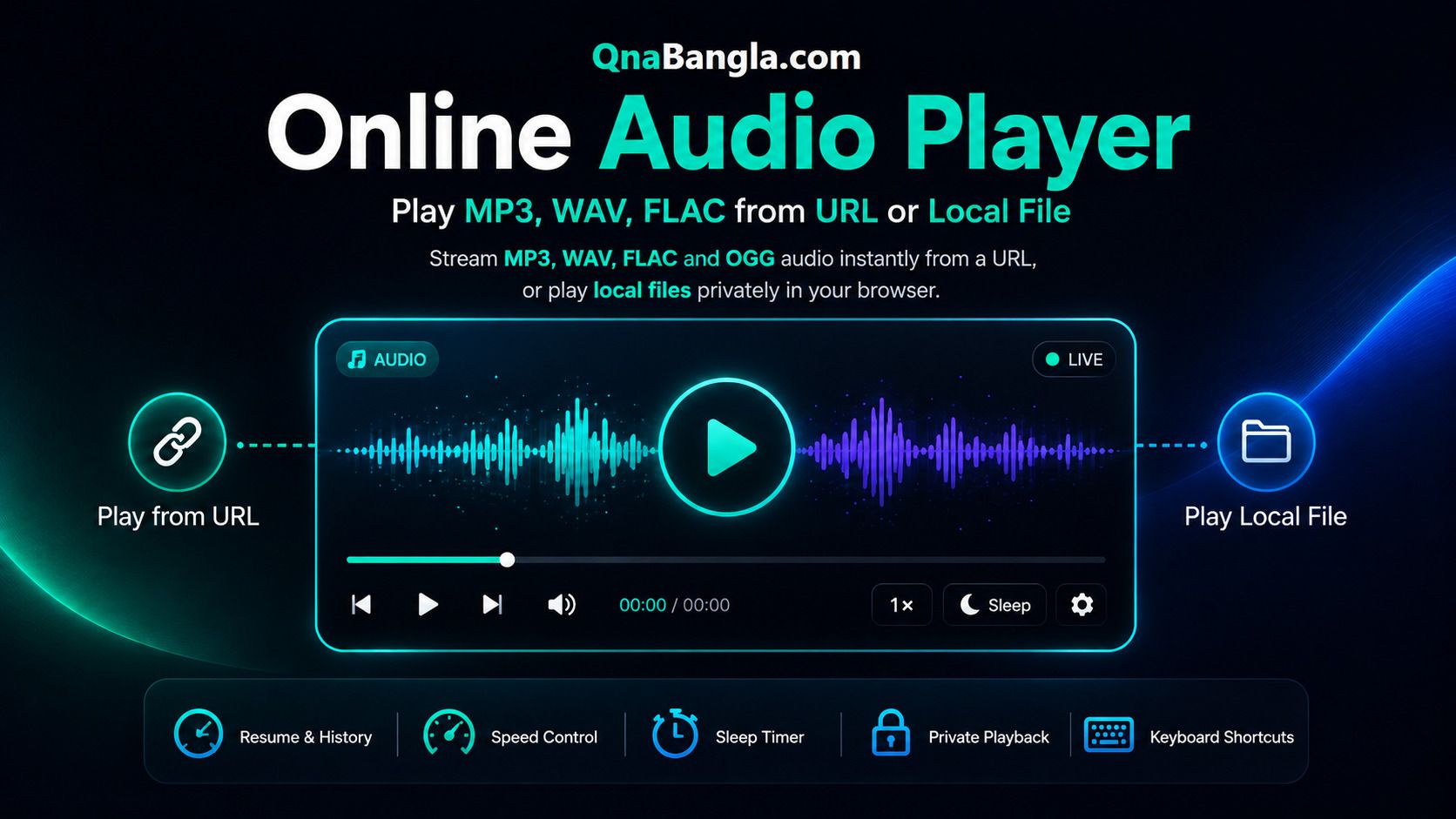
Online Audio Player Play MP3, WAV, FLAC from URL or Local File
Stream MP3, WAV, FLAC and OGG audio instantly from a URL, or play local files privately in your browser. No download, installation, account, or upload required.
Drop audio file here
No audio loaded yet
Paste a URL or choose a local file to begin
Space Play/Pause→ +5s← -5s↑ Vol+↓ Vol−M MuteL Loop
Recently Played
No recent tracks yet.
Sample Test Audio (Open-source)
Double-click any link below — it copies and plays automatically.
An online audio player is a browser-based tool that lets you listen to MP3, WAV, FLAC and OGG audio without downloading or installing anything. Paste a direct link, or open a file from your device for 100% private local playback — nothing ever leaves your device.
Stream MP3, WAV and FLAC audio directly from URL or local files without downloading software.
Recommended browsers: Microsoft Edge, Google Chrome and Firefox for the widest codec support, including lossless FLAC.
Play from URL
Paste any MP3, WAV or FLAC link and stream instantly.
Private Playback
Local files never leave your browser.
Listening History
Re-open recent tracks with resume.
Sleep Timer
Auto-pause after your set time — great for podcasts.
Speed Control
Slow down or speed up from 0.5× to 2×.
Album Art & Tags
Reads embedded title, artist, album and cover art automatically.
Keyboard Shortcuts
Full keyboard control.
How to Play Audio from a URL
Copy a direct audio URL ending in .mp3, .wav, .flac or .ogg.
Paste and click Play (or press Enter).
Control playback with speed, loop, sleep timer, or keyboard shortcuts.
How to Play Local Audio Files
Click File or drag a file straight onto the player.
Select any MP3, WAV, FLAC, OGG, AAC or M4A file.
Plays instantly, entirely in your browser. 100% private. Embedded title, artist, album and cover art display automatically when present.
Privacy note: Local files — and their tags — are processed via the browser's File API and never sent to any server.
Supported Formats
Format
Type
Chrome
Edge
Firefox
MP3
Lossy
WAV
Lossless
FLAC
Lossless
OGG / Opus
Lossy
AAC / M4A
Lossy
Mostly
Why not every file plays: a browser can only decode the audio codecs its engine ships with — MP3 and WAV are decoded everywhere and are the safest choice. If a file won't play, it may use an uncommon codec inside the container; converting to MP3 with a free tool fixes this.
Frequently Asked Questions
Is this online audio player free?
Yes, completely free with no sign-up, no watermark and no play limits.
Can I play an MP3 directly from a URL?
Yes. Paste a direct .mp3, .wav, .flac, .ogg or .m4a link and press Play, as long as the source server allows cross-origin playback.
Does it support FLAC and WAV playback?
Yes, in Chrome, Edge and Firefox. Lossless FLAC and WAV files play natively without any conversion.
Are my local audio files uploaded anywhere?
No. Local files are read with the browser's File API and played entirely on your device. Nothing is sent to a server.
Does it save my listening history?
Yes. Recently played URLs are stored locally in your browser with resume support, and can be cleared at any time.
Does it show song title, artist and album art?
For local files, embedded ID3/FLAC tags including cover art are read and displayed automatically when present. For URL streams this depends on the host allowing cross-origin access to the file.