Sample Test Videos (Open-source)
Double-click any link below — it copies and plays automatically.
- Surfing (MKV Sample)
https://filesamples.com/samples/video/mkv/sample_1280x720_surfing_with_audio.mkv
- Big Buck Bunny (MOV)
https://download.blender.org/peach/bigbuckbunny_movies/big_buck_bunny_720p_h264.mov
- Tears Of Steel (WebM)
https://media.xiph.org/tearsofsteel/tears_of_steel_1080p.webm
What is an Online Video Player?
An online video player is a browser-based tool that lets you watch videos without downloading or installing anything. Paste a direct link, or open a file from your device for 100% private local playback — nothing ever leaves your device.
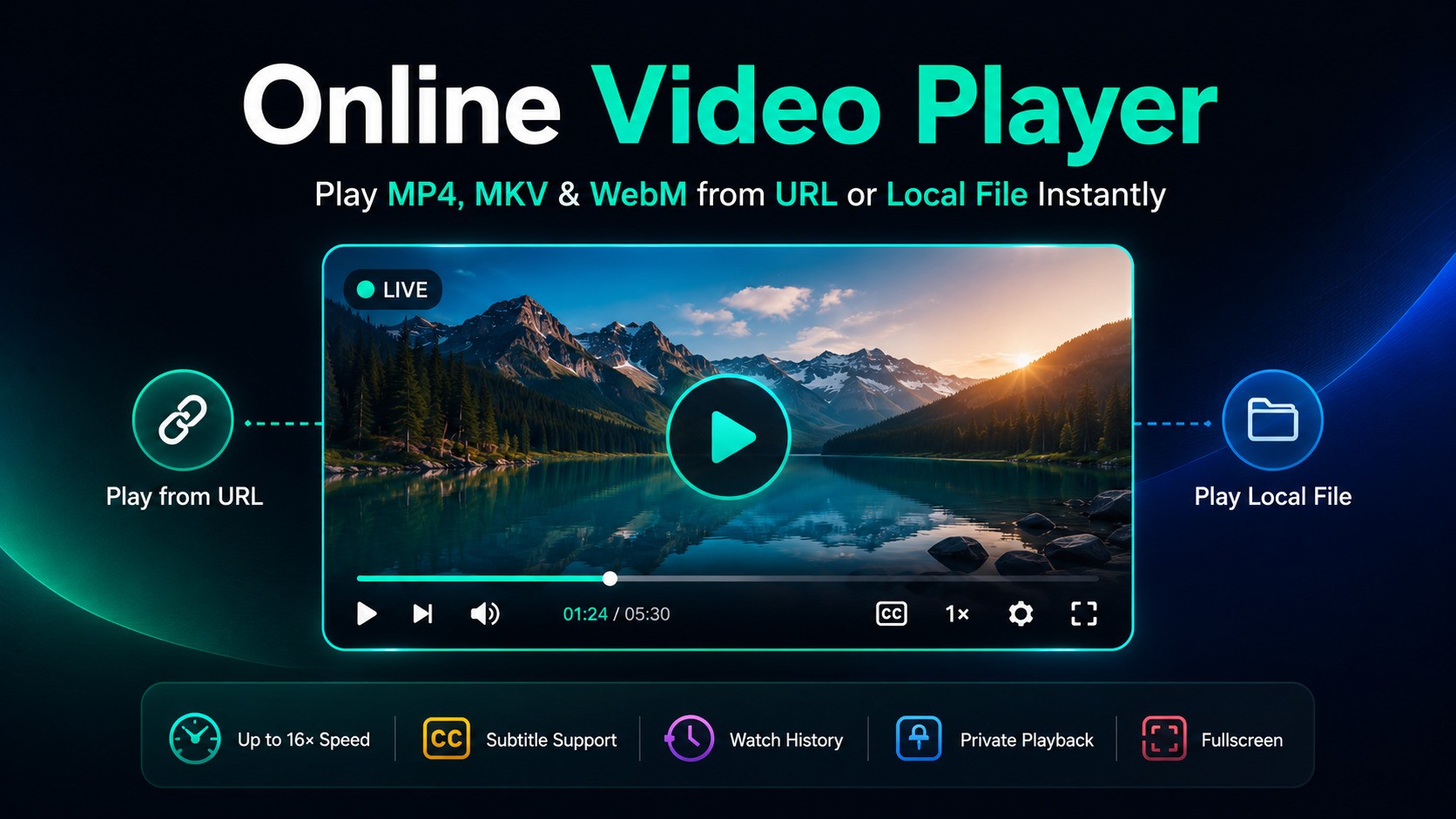
Play from URL
Paste any MP4, MKV or WebM link and stream instantly.
Private Playback
Local files never leave your browser.
Subtitle Support
Load SRT or VTT files. Multiple tracks.
Watch History
Re-open recent videos with resume.
Up to 16× Speed
Fast-forward through any content.
Keyboard Shortcuts
Full keyboard control.
Recommended browsers: Microsoft Edge and Google Chrome for widest codec support.
How to Play Video from URL
- Copy a direct video URL from Drive, Dropbox, a CDN, or any server.
- Paste and click Play (or press Enter).
- Optional: add subtitles via + Add Subs.
- Control playback with speed, loop, or keyboard shortcuts.
How to Play Local Video Files
- Click File or drag a file straight onto the player.
- Select any MP4, MKV, WebM, MOV or AVI file.
- Plays instantly, entirely in your browser. 100% private.
Privacy note: Local files are processed via the browser's File API and never sent to any server.
Supported Formats
| Format | Codec | Chrome | Edge | Firefox |
|---|---|---|---|---|
| MP4 | H.264/H.265 | |||
| WebM | VP8/VP9/AV1 | |||
| MKV | H.264 (H.265 partial) | Partial | ||
| MOV / AVI | Codec-dependent | Sometimes | Sometimes | Rarely |
| Audio (MP3/WAV/AAC/FLAC) | — |
Why not every format plays: a browser can only decode the video/audio codecs its engine ships with — this is a browser limitation, not something a web page can override. MP4 (H.264/AAC) and WebM are decoded everywhere and are the safest choice. MOV and AVI files only play if the codec inside happens to be one the browser recognizes (Safari has the broadest MOV support); otherwise you'll see a "format not supported" message. Converting the file to MP4 with a free tool like HandBrake fixes this.
Frequently Asked Questions
Is this player safe to use?
Yes. URL videos stream without saving, and local files never leave your browser sandbox.
Can I play MKV files without installing anything?
Yes, in Chrome, Edge and Firefox for H.264. Use Edge for H.265 or AC3/DTS audio.
Why won't my MOV or AVI file play?
Your browser doesn't have a decoder for the codec inside that file. Try Safari, or convert the file to MP4 first.
How do I add subtitles?
Enable Subtitles, click "Add Subs", and choose your .srt or .vtt file. Captions turn on automatically.
Does it save watch history?
Yes, saved locally in your browser with resume support. Delete individual items or clear all anytime.
Is it free?
Yes, completely free with no sign-up or limits.